An image file is more than pixels. Wrapped around the picture is a set of metadata blocks, each with its own history and purpose. If you have ever wondered what actually gets removed when you strip metadata, this is the map. We will cover the four you are most likely to meet, EXIF, XMP, IPTC, and C2PA, and explain which matter for privacy, which for provenance, and how they behave when you edit or share a file.
The four blocks at a glance
EXIF, the camera record
EXIF is written by the camera or phone at capture. It stores technical settings and, crucially, can include GPS coordinates, device identifiers, and timestamps. For privacy, EXIF is the block to watch, which is why our dedicated EXIF and GPS removal guide exists. It is present on almost every photo straight out of a device.
XMP, the flexible layer
XMP, the Extensible Metadata Platform, was introduced by Adobe as a flexible, extensible way to store metadata in many file types. Editing software uses it for things like edit history, ratings, and licensing information. Because it is extensible, all sorts of tools write their own XMP fields, which means it can accumulate a surprising amount of workflow detail over a file's life.
IPTC, the newsroom standard
IPTC metadata comes from the news and stock photography world. It carries descriptive and administrative information: captions, the photographer's name and credit, copyright terms, keywords, and location names. If you have seen a photo with an embedded caption and byline that follow it around, that is IPTC doing its job. It is about attribution and cataloguing rather than camera settings.
C2PA, the provenance record
C2PA is the newest and most different of the four. Rather than loose fields, it is a cryptographically signed manifest that records how a file was made and edited, including whether generative AI was involved. We cover it in depth in our C2PA explainer. The key distinction: EXIF, XMP, and IPTC are informational, while C2PA is signed and tamper evident, which makes it trustworthy when present but still removable by re-saving.
Metadata and file formats
Which blocks a file can carry depends partly on its format, and this trips people up. JPEG, the most common photo format, supports EXIF, XMP, and IPTC, and can carry C2PA. PNG carries XMP and can hold C2PA but has no native EXIF in the way JPEG does. HEIC, the modern iPhone format, carries rich EXIF including location. WebP and AVIF support metadata to varying degrees. The practical consequence is that converting between formats can silently drop some metadata and preserve other blocks, which is why a format change is a crude and unreliable way to strip data compared with removing it deliberately.
How to view each block
You do not have to take our word for what a file contains. Operating system file details show a subset, usually EXIF basics and sometimes GPS. Dedicated tools show everything: our image tool lists EXIF, XMP, IPTC, and any C2PA present in one view, and the official Content Credentials verifier focuses on the C2PA manifest specifically. Viewing before removing is a good habit, because it turns an abstract worry into a concrete list you can decide about.
A quick decision guide
| Your goal | What to do |
|---|---|
| Protect privacy before posting | Remove EXIF, especially GPS |
| Minimal, clean file | Strip all four blocks |
| Keep authorship credit | Preserve IPTC, remove EXIF GPS |
| Preserve provenance | Keep the C2PA credential |
How they behave when you edit or share
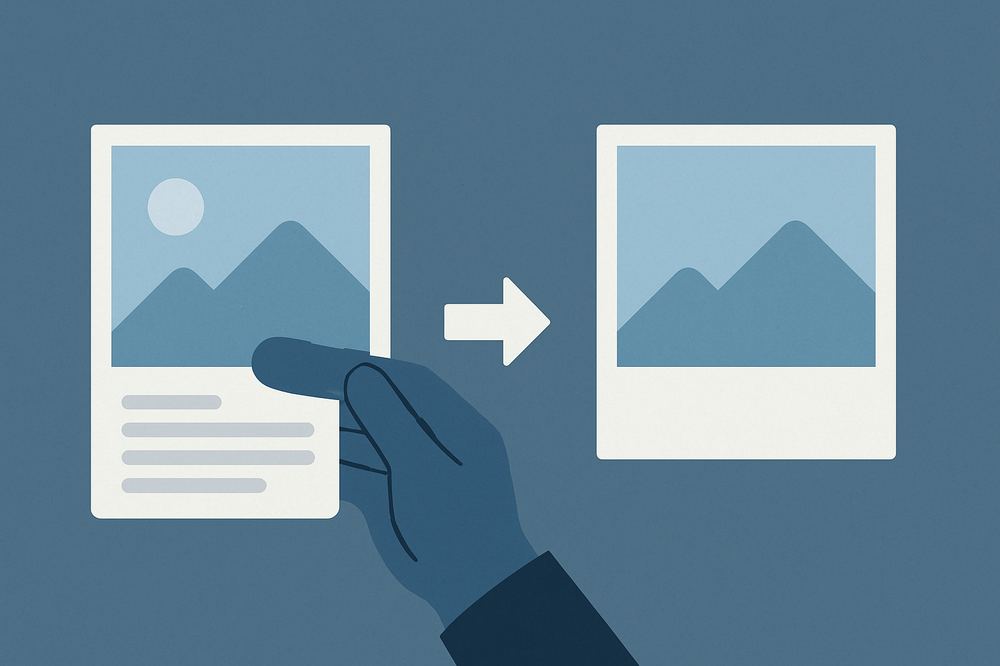
All four blocks live in the file's metadata, separate from the pixels, so all four can be removed without changing the image. They also behave similarly under common operations: re-saving in a different format, uploading to a platform that rewrites files, or taking a screenshot tends to drop them. That is convenient for privacy and inconvenient for provenance, which is the central tension of this whole topic. If you want to see exactly which blocks a given file carries, our image tool reports and removes all of them in one pass.
Which ones should you remove?
It depends on your goal. For privacy before posting, removing EXIF, and specifically GPS, is the priority. For a clean, minimal file, stripping all four is fine and lossless. If you are trying to preserve authorship or provenance, you may want to keep IPTC credit or a C2PA credential, in which case removal is the wrong move. The honest rule is the same as everywhere on this site: know what each block does, remove what serves your purpose, and do not strip a signal you actually want to keep.
Why so many standards exist
It is fair to ask why one image needs four different metadata systems, and the answer is history. Each grew from a different community solving a different problem: camera makers needed to record capture settings, so EXIF appeared. News and stock agencies needed captions and credits, so IPTC appeared. Software vendors needed a flexible, extensible container, so Adobe created XMP. And as AI made provenance urgent, a coalition created C2PA to add signed, tamper evident history. They overlap and coexist rather than replace one another, which is why a single modern file can carry all four, each speaking to a different need.
Frequently asked questions
Which metadata contains my location? EXIF. The GPS fields inside the EXIF block record where a photo was taken, if location services were enabled.
What is the difference between XMP and EXIF? EXIF is written by the camera and holds capture data. XMP is a flexible, extensible container that editing software uses for edit history, ratings, and rights information.
Is C2PA just more metadata? It is metadata, but unlike the others it is cryptographically signed and tamper evident, which makes it trustworthy when present, though still removable.
Can I remove all four at once? Yes. Our image tool reports and strips EXIF, XMP, IPTC, and C2PA in a single pass without altering the pixels.
Related: Remove EXIF and GPS · C2PA explained · Inspect and strip metadata